HOW TO ORDER TELEGRAM
VIEWS FOR PAST AND FUTURE
POSTS

Automatic views for Telegram help increase engagement on both new and past posts without
the need to manually place orders each time. This guide will walk you
through
setting up
a subscription for Telegram views on smmowners.com.
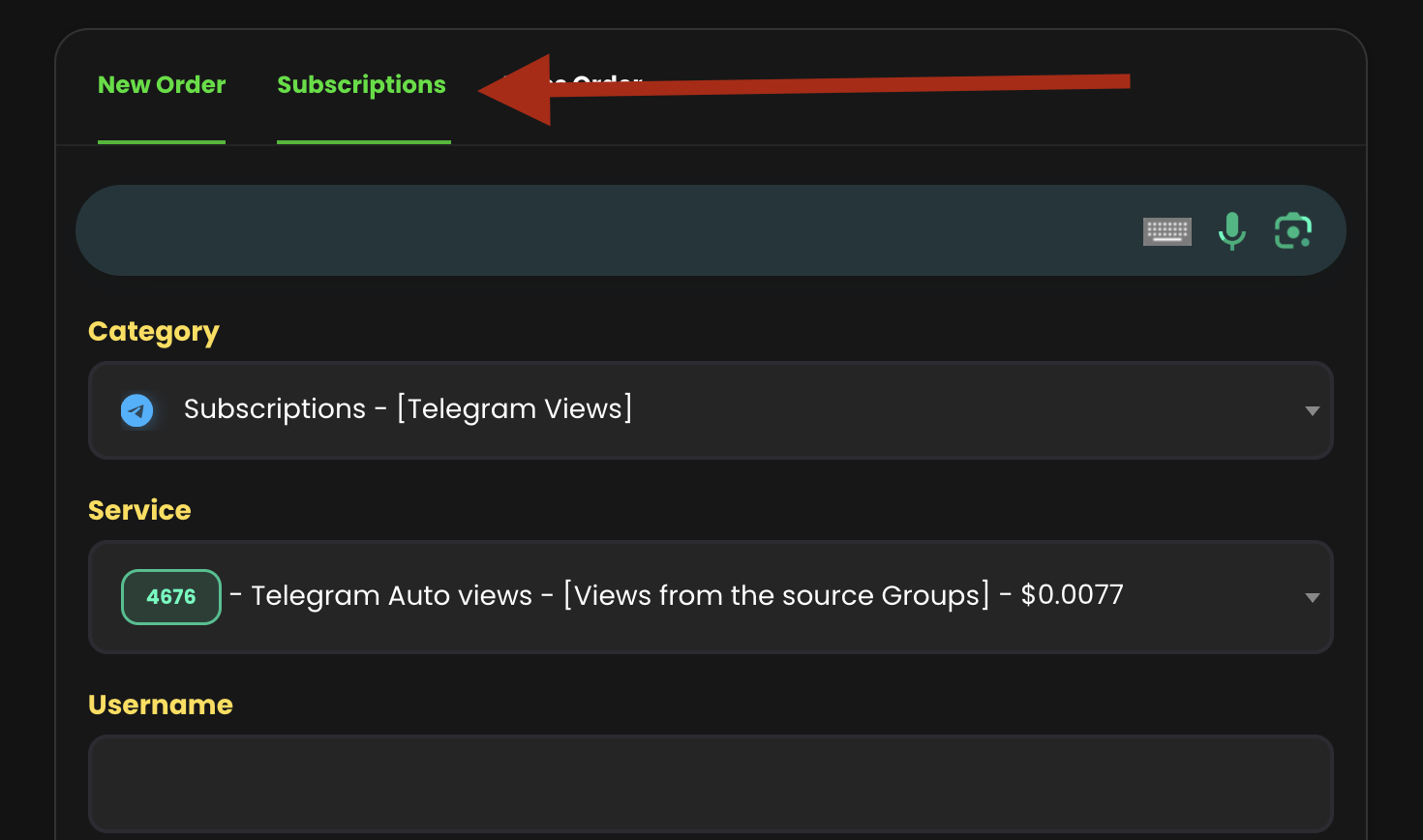
1. Go to the Subscriptions Section
On the main panel page, select the Subscriptions tab. This
section is for
auto-view subscriptions.
(See Image 1)
2. Select the Telegram Views Category
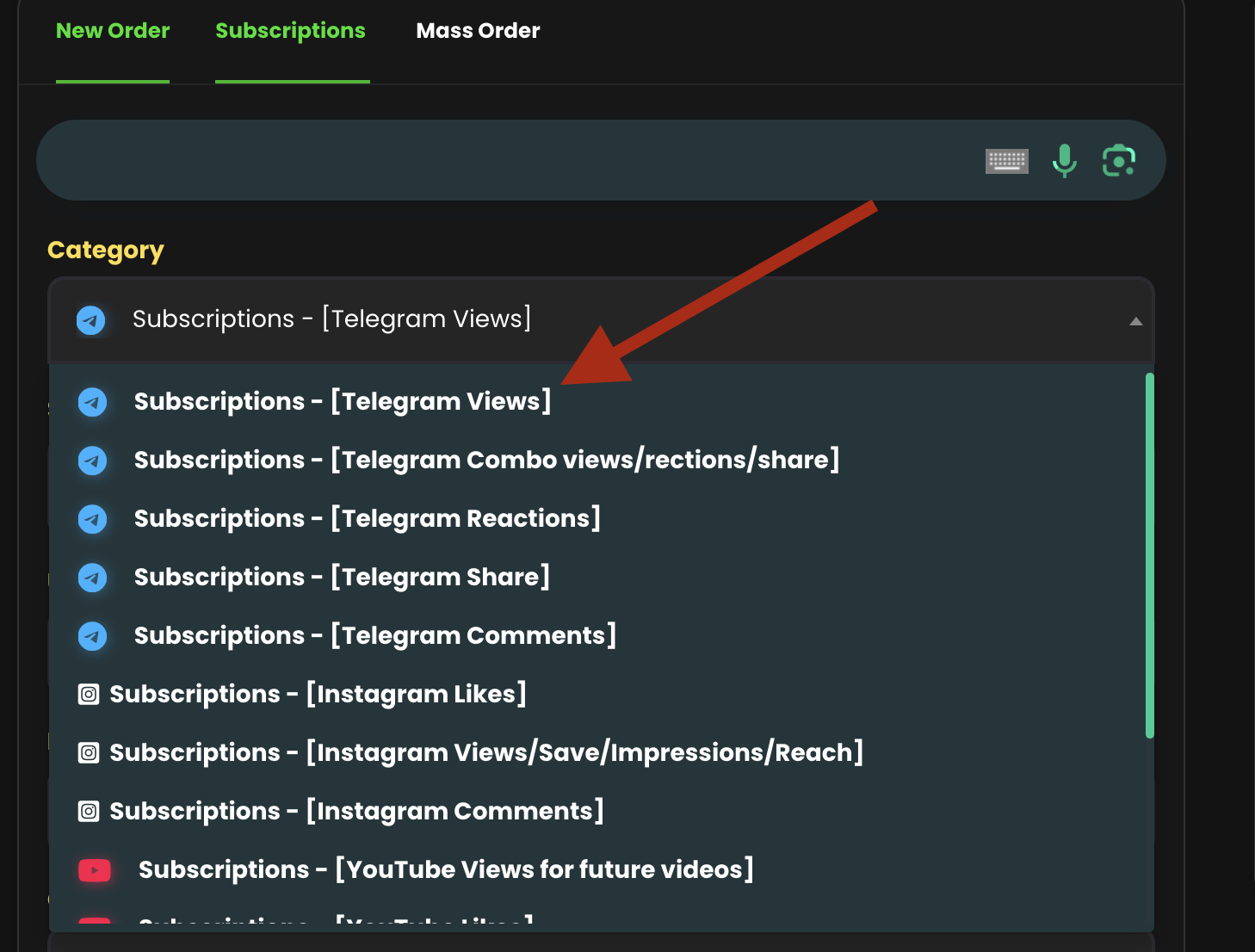
From the list of categories, choose Subscriptions - [Telegram
Views].
(See Image 2)
3. Choose a Service
Once you select the category, a list of available services will
appear.
Choose the desired option, for example:
"Telegram Auto views - [Views from the source Groups]".
The price per 1,000 views is displayed next to the service name.
(See Image 3)

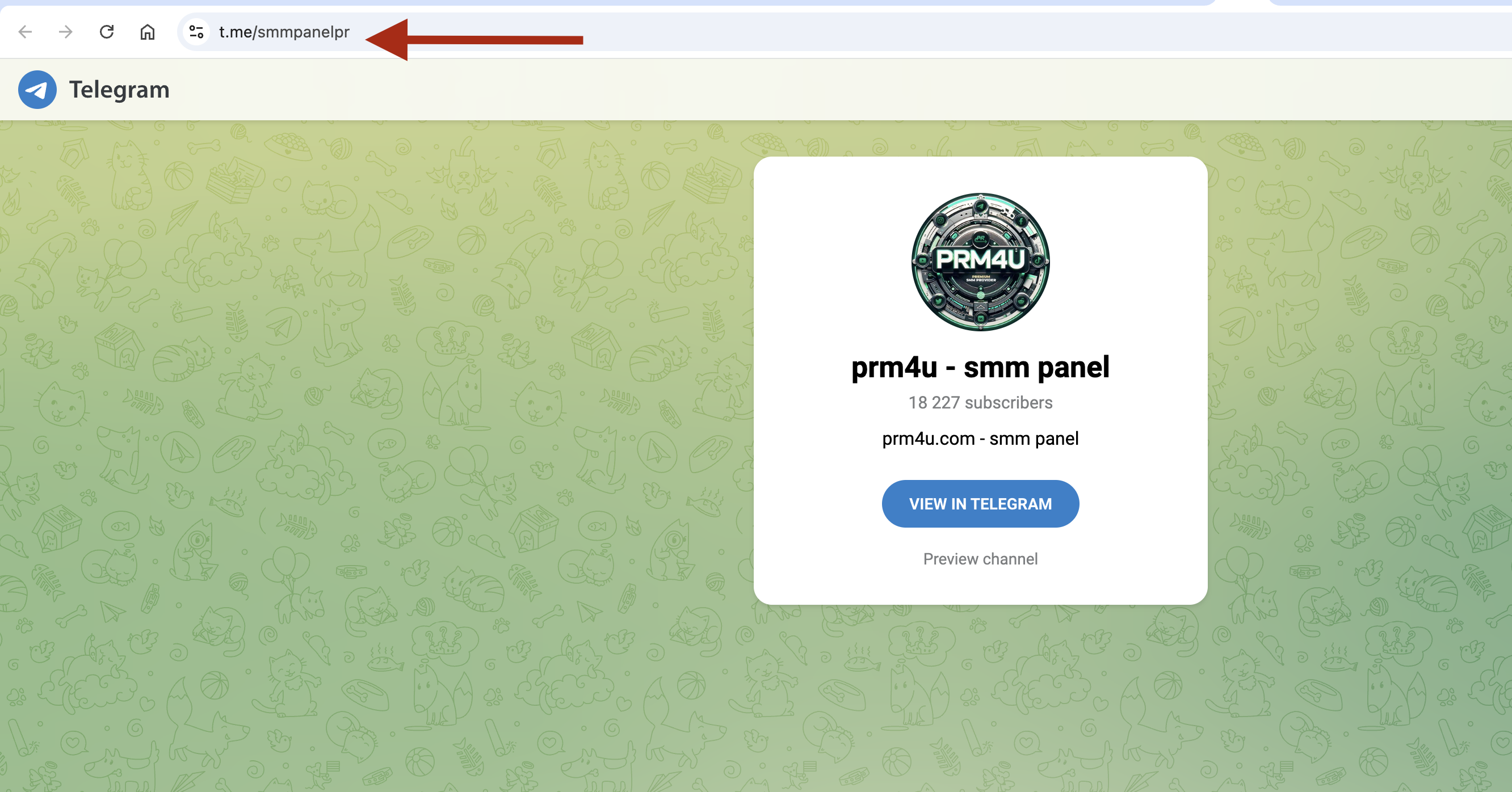
4. Enter the Channel Link
In the Username field, insert your Telegram channel link in the
format:
t.me/YourChannel
Example: t.me/smmpanelpr
(See Image 4)
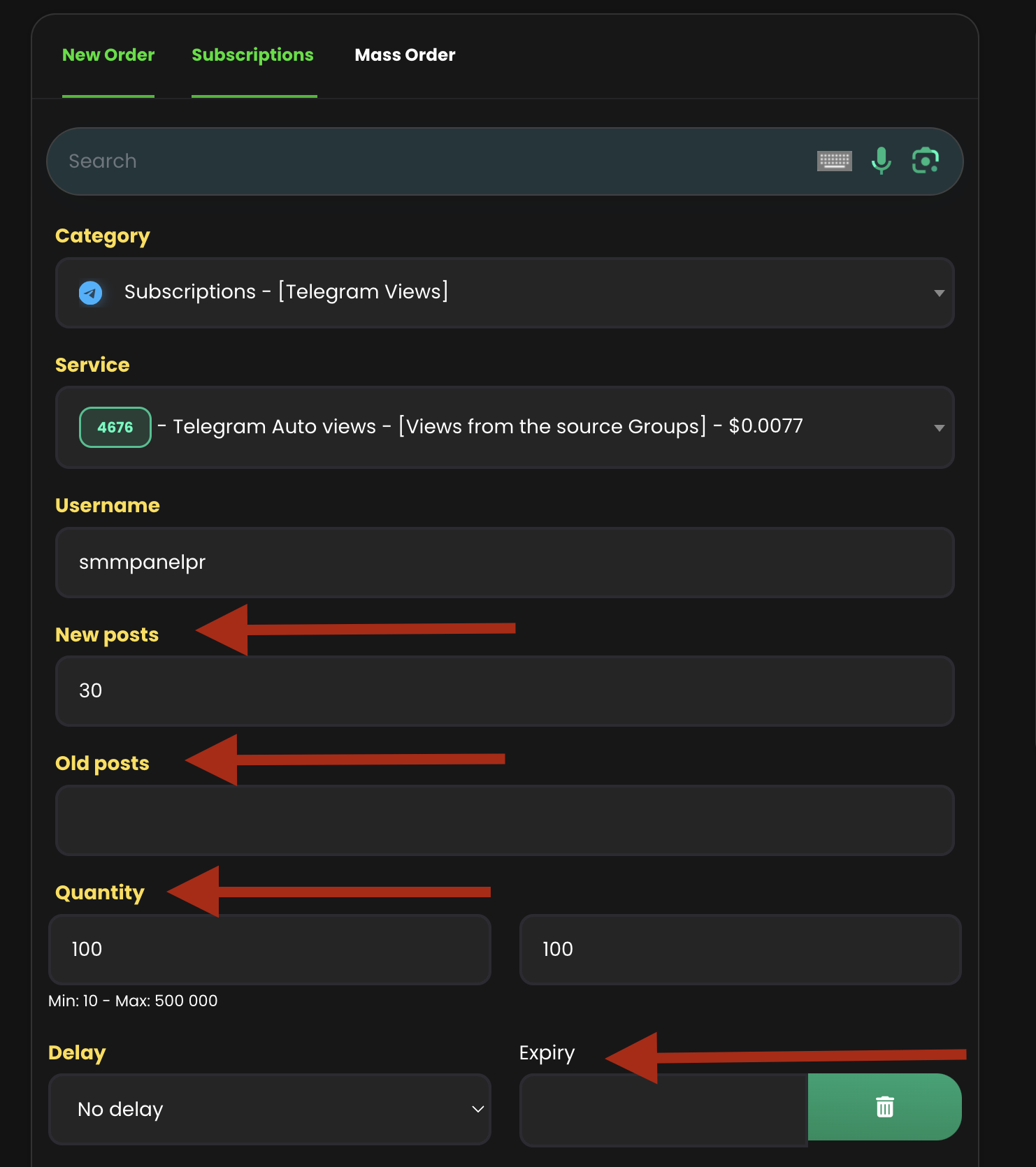
5. Configure the Subscription Parameters and Duration
New posts – The number of future posts that will receive views.
Old posts – The number of past posts that will receive views.
Quantity – The number of views per post.
You can set a fixed number of views (e.g., 1000 views per post).
Or choose a random range (e.g., between 100 and 1000 views per post) for more natural
engagement.
Subscription Duration:
By the number of posts – The subscription remains active until the specified number of
posts receives views.
By expiration date – The subscription will run until the selected date, after which it
will automatically stop.
(See Image 5)
6. Confirm Your Order
Review the details and click Submit to activate your auto-view subscription.
7. Manage Your Subscription
Once the order is created, you can manage your subscription in
the "Subscriptions orders" section.
Here, you can:
Check subscription status
Track which posts received views
Cancel the subscription at any time
(See Image 7)

8. How Payments Work
For past posts – The total amount for selected posts will be
deducted immediately after placing the order.
For future posts – Funds are automatically deducted as new posts are published.
If your balance is insufficient, the subscription will not work, and views will not be
delivered.
Money is deducted each time a new post is published if the subscription is active for
future posts.